
A Locktober emergency unlock plan answers one question before pressure, panic or poor connection makes it harder: how can the wearer remove promptly right now? The answer should be specific, tested and available without asking whether the situation is serious enough.
This plan is useful whether you participate alone, with a nearby keyholder or across a long distance. It does not weaken the challenge. It separates a consensual rule from a practical barrier that should never delay necessary removal.
Emergency Access Is Different From Routine Permission
A couple may agree that ordinary removal follows a schedule or check-in. Emergency access sits outside that ritual. If the wearer needs to stop because of pain, numbness, unusual swelling, discoloration, skin injury, difficulty urinating, damaged equipment or another urgent concern, removal should not wait for permission.
Write that distinction into the rules. The Locktober rules guide can help define routine limits, but the emergency line should be short: “Remove immediately, then inform the other person when able.”
Choose a Primary Release Method
Name the exact key, tool or documented release method used by the setup. Store it somewhere the wearer can reach quickly. “The keyholder has it” is not a complete plan unless that person is physically present, awake and immediately available throughout the entire session.
Do not hide the primary method so cleverly that it cannot be found under stress. A labeled inner pocket, a known drawer or a small personal key container is more reliable than a puzzle. Keep it secure from casual discovery while making the location unambiguous to the person who may need it.
Add an Independent Backup
The backup should not fail for the same reason as the primary method. If the primary depends on a keyholder’s phone, the backup should not depend on the same phone. If the main key travels with one person, keep a duplicate in a separate accessible place.
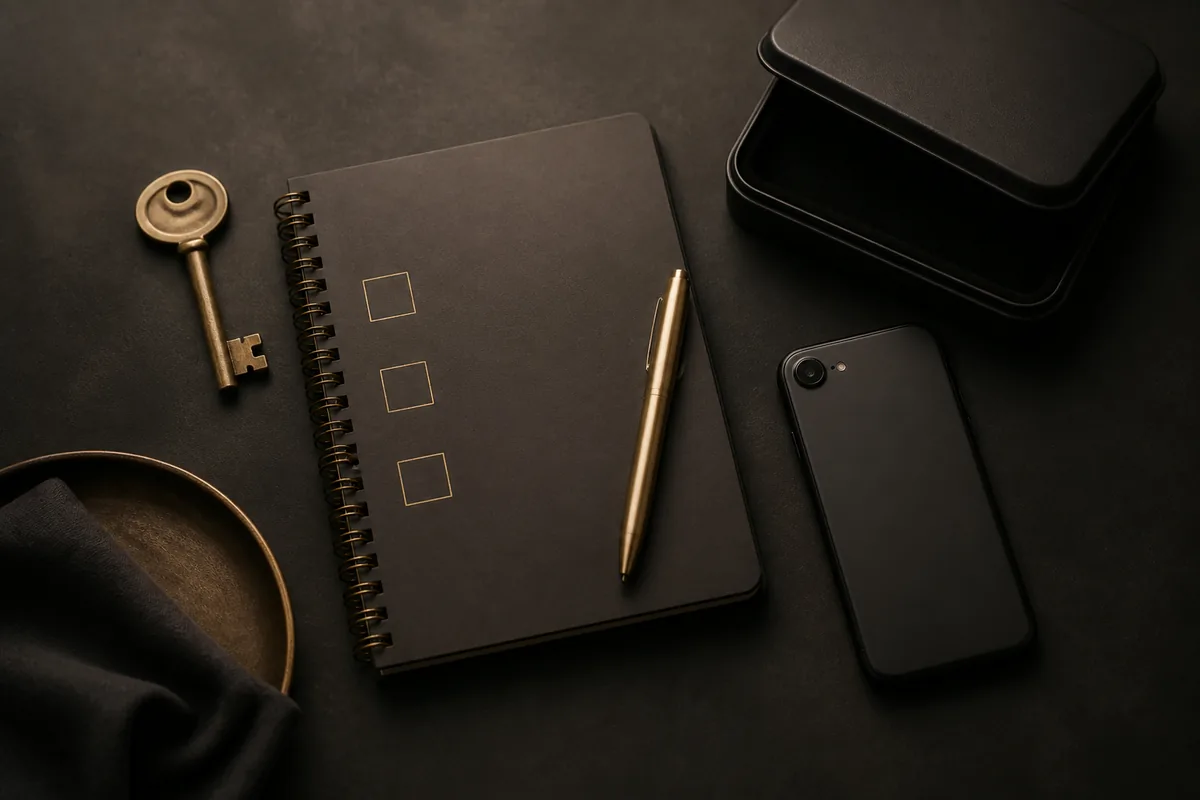
A sealed envelope can preserve accountability: sign across the seal, open it when necessary and discuss it later. The seal records access; it must not be difficult to break. A spare stored in a coded box can work only if the code is known or recoverable without an unreliable service.
Test the Plan Before the Challenge
Run a complete practice while calm. Retrieve the primary method, use it and record how long the process takes. Then test the backup. Confirm that the correct key is present, batteries or tools are usable and the instructions make sense without memory or live coaching.
Test from the places where you will actually be: home, work bag or travel accommodation. The preparation guide recommends short private trials for exactly this reason. Access that works only in theory is not emergency access.
Write Clear Stop Conditions
A stop condition is a trigger for action, not a topic for debate. Include physical warning signs, loss of the primary and backup access, damaged equipment, a medical appointment, unexpected travel or any situation where privacy and removal can no longer be managed.
Include emotional and consent boundaries too. Either participant can stop because the dynamic no longer feels wanted. A keyholder can step down, and a wearer can remove, without creating a punishment or extended schedule.
Use a Simple Three-Step Response
- Remove. Use the quickest reliable method. Do not wait for a message reply.
- Assess. Address the immediate concern and seek appropriate help if symptoms persist, worsen or cause concern.
- Report later. Tell the partner or keyholder what happened when it is practical, then decide whether the challenge is paused or ended.
This order matters. Communication supports the response, but it does not come before removal. Do not spend time taking proof photos, writing a long explanation or protecting a streak.
Plan for Phone and Connection Failure
Remote arrangements need an offline answer. Phones run out of power, accounts lock, apps update and signals disappear. Write down the local method before testing any connected feature. If the setup cannot be released locally, reconsider whether it belongs in the challenge.
Agree that a missed check-in does not extend a session automatically. Use a defined fallback, such as ending at the planned time and sending an update later. Silence is not consent to continue.
Carry Access During Work and Travel
If you leave home, decide where the primary method travels and where the backup remains. Protect keys and tools from loss, but do not place them in checked luggage, a distant vehicle or another location that may be inaccessible.
Consider security checks, shared spaces and schedule changes. The most practical rule may be to remove before a situation in which access or privacy cannot be maintained. The challenge calendar should adapt to the trip, not force the trip to support the challenge.
After an Emergency Unlock
Do not restart immediately to erase the interruption. Record the cause, inspect the equipment and decide what must change. If there was a physical concern, wait until it has resolved and obtain appropriate advice when needed. If access failed, rebuild and retest the plan before another session.
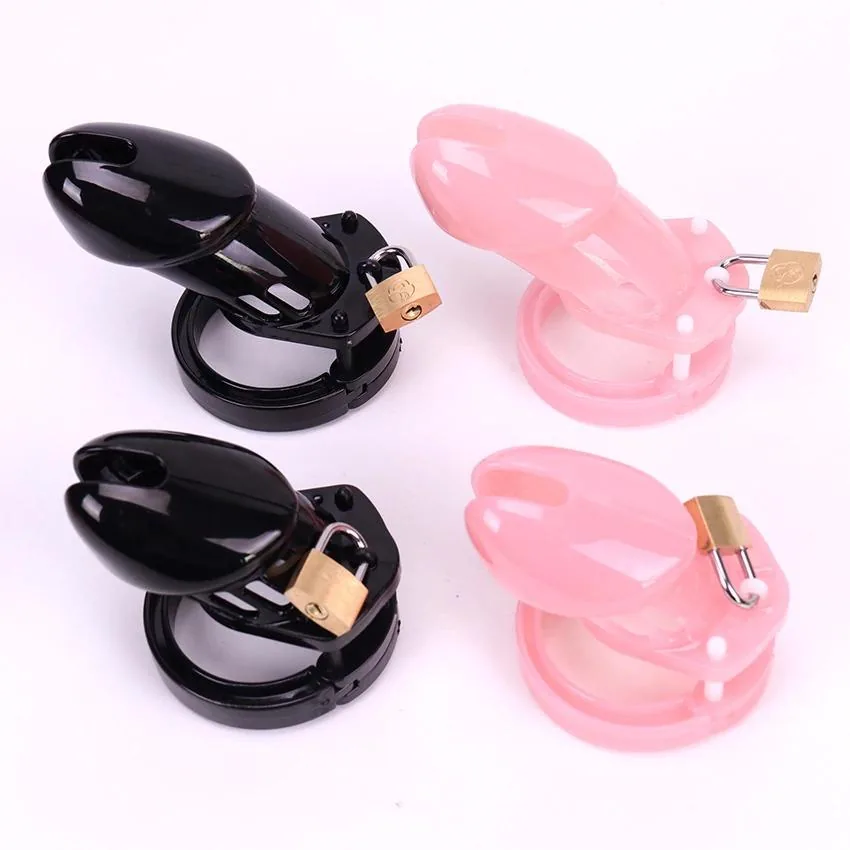
If you later choose a simpler beginner setup, review measurements, materials and removal details rather than buying in a rush. The Plastic Chastity Cage for Beginner is one current product page where those specifications can be checked. It is a future planning resource, not an emergency response.
Different Living Situations Need Different Backups
If you live with a partner, decide whether they know the location and can access it without asking the wearer for a code. If you live alone, keep the release method within reach and avoid storage that depends on another person returning home. In shared accommodation, use a private labeled container that is discreet but not difficult to open.
For a hotel or temporary address, repeat the access check after every room change. Do not leave the only key in a vehicle, checked bag, office locker or safe whose code you have not tested. The backup belongs wherever the wearer will actually be, not wherever it feels symbolically secure.
Review Access After Any Equipment Change
A new lock, ring, device, phone or storage container can invalidate an old plan. Test the exact combination again. Photographing a key is not proof that the key works, and knowing an app password is not proof that a connection will be available.
Add the test date to the emergency note. If the setup changes during October, pause until the primary and backup methods have both been checked.
Keep the Plan Visible and Short
Your final emergency note should fit on one screen or card: primary method and location, backup and location, stop conditions, response steps and one contact if needed. Review it with everyone involved.
Use the 31-day challenge guide for the larger schedule, and keep this removal plan beside it. The Locktober31.com homepage treats flexibility and planned checks as part of participation. Reliable access is what makes those choices real.